> For the complete documentation index, see [llms.txt](https://ipgames.gitbook.io/htrace-ao/llms.txt). Markdown versions of documentation pages are available by appending `.md` to page URLs; this page is available as [Markdown](https://ipgames.gitbook.io/htrace-ao/settings-and-properties/rtao-settings/rtao-culling.md).
# RTAO Culling
This page describes parameters under the "Ray Tracing Culling" foldout that are specific to RTAO mode.
{% hint style="warning" %}
Settings described in this section will be hidden if you are using the **HDRP pipeline** with [Tracing Mode](https://ipgames.gitbook.io/htrace-ao/settings-and-properties/rtao-settings/pages/arNur0glRG2vJnfd6CcO#alpha-cutout-hdrp-unity-2023.2) set to **Native Ray Tracing**. In such cases, HTrace relies on Unity's native Ray Tracing Acceleration Structure (RTAS), which should be managed and debugged through native means, such as the [Ray Tracing Settings](https://docs.unity3d.com/Packages/com.unity.render-pipelines.high-definition@17.5/manual/reference-ray-tracing-settings.html) volume override and the [Rendering Debugger](https://docs.unity3d.com/Packages/com.unity.render-pipelines.high-definition@17.5/manual/rendering-debugger-window-reference.html). \
\
Otherwise, it is recommended to use the **Hardware Ray Tracing Scene** [debug mode](/htrace-ao/settings-and-properties/shared-settings.md#debug-mode) to visualize the changes introduced by the culling settings described below.
{% endhint %}
## Cull Alpha Cutout
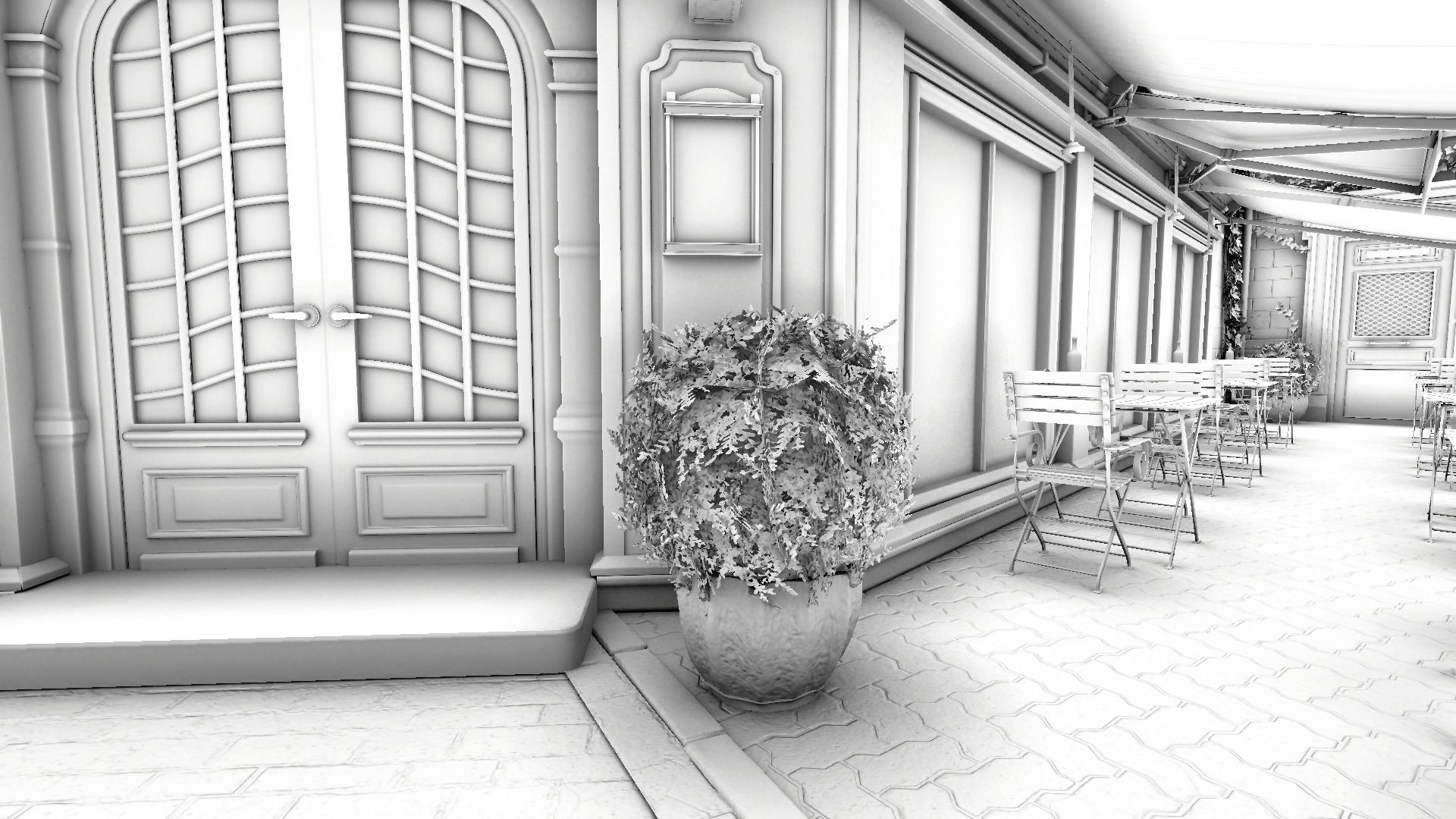
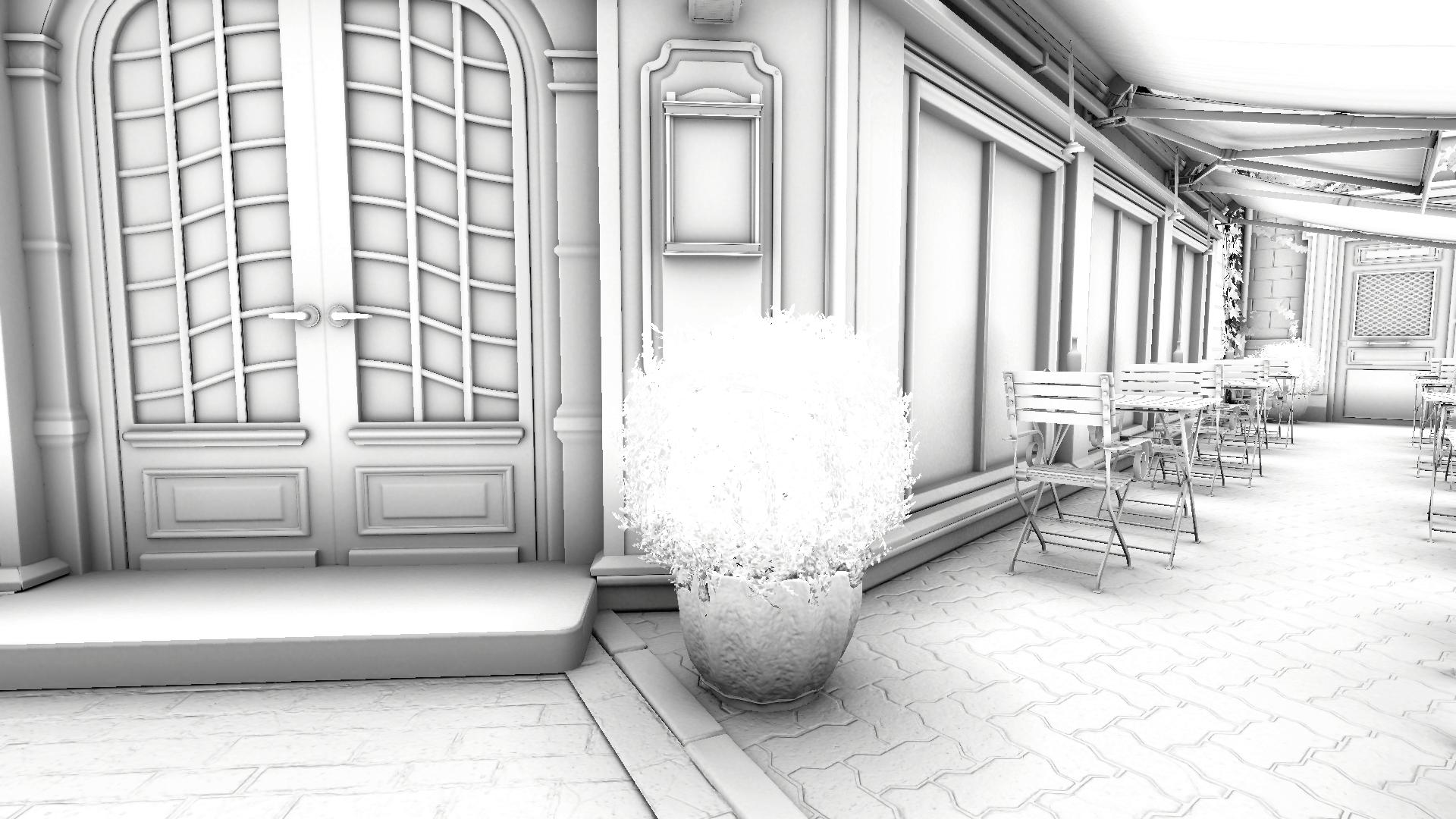
Culls all geometry with slpha cutout properties from the Ray Tracing Acceleration Structure, making it invisible to ray tracing. This can be used to exclude such geometry from [Inline Ray Tracing](https://ipgames.gitbook.io/htrace-ao/settings-and-properties/rtao-settings/pages/arNur0glRG2vJnfd6CcO#alpha-cutout-hdrp-unity-2023.2) to avoid artifacts stemming from screen-space alpha cutout evaluation in this mode.
*Performance impact: beneficial*
{% tabs %}
{% tab title="Cull Alpha Cutout OFF" %}
{% endtab %}
{% tab title="Cull Alpha Cutout ON" %}
{% endtab %}
{% endtabs %}
## Cull Backfaces
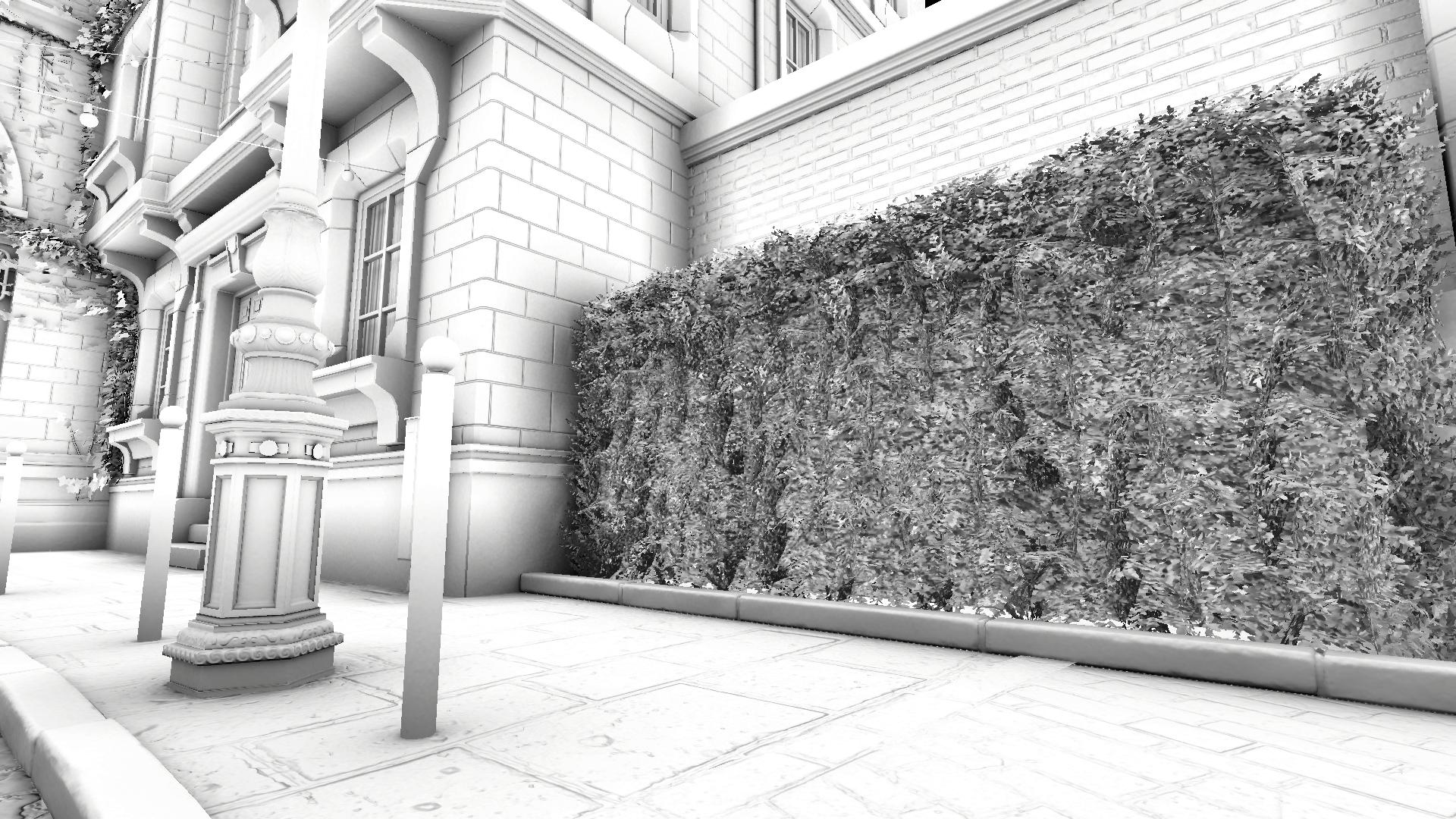
Specifies whether rays can collide with the backfacing sides of polygons. This option is global and affects all surfaces, ignoring the "Double-Sided" material parameter. Disabling this option may slightly speed up tracing, as rays have a higher chance of finding hits earlier if they can collide with both sides of polygons. Enable this option if there are issues with non-closed geometry.
*Performance impact: moderate, disable if not needed*
{% tabs %}
{% tab title="Cull Backfaces OFF" %}
{% endtab %}
{% tab title="Cull Backfaces ON" %}
{% endtab %}
{% endtabs %}
## Culling Mask
Allows culling objects from the Ray Tracing Acceleration Structure on a per-layer basis, making them invisible to ray tracing.
{% hint style="warning" %}
Alternatively, individual meshes can be culled by using the Ray Tracing parameters in the **Mesh Renderer** component, where **Ray Tracing Mode** can be set to **Off**.
{% endhint %}
## Culling Mode
Specifies which technique is used to cull geometry from the Ray Tracing Acceleration Structure.
* **None:** no culling is performed, all objects are included in the Ray Tracing Acceleration Structure.
* **Sphere:** all objects outside a bounding sphere centered around the camera, with radius controlled by the **Culling Distance** parameter, are culled.
* **Solid Angle:** allows ignoring small or distant geometry based on its projected solid angle, specified by the **Min Solid Angle** parameter.
These options are similar to the Culling properties exposed in the [HDRP Ray Tracing Settings](https://docs.unity3d.com/Packages/com.unity.render-pipelines.high-definition@17.5/manual/reference-ray-tracing-settings.html) volume override.