> For the complete documentation index, see [llms.txt](https://ipgames.gitbook.io/htrace-ao/llms.txt). Markdown versions of documentation pages are available by appending `.md` to page URLs; this page is available as [Markdown](https://ipgames.gitbook.io/htrace-ao/v1/settings-and-properties/visuals-settings.md).
# Visuals Settings
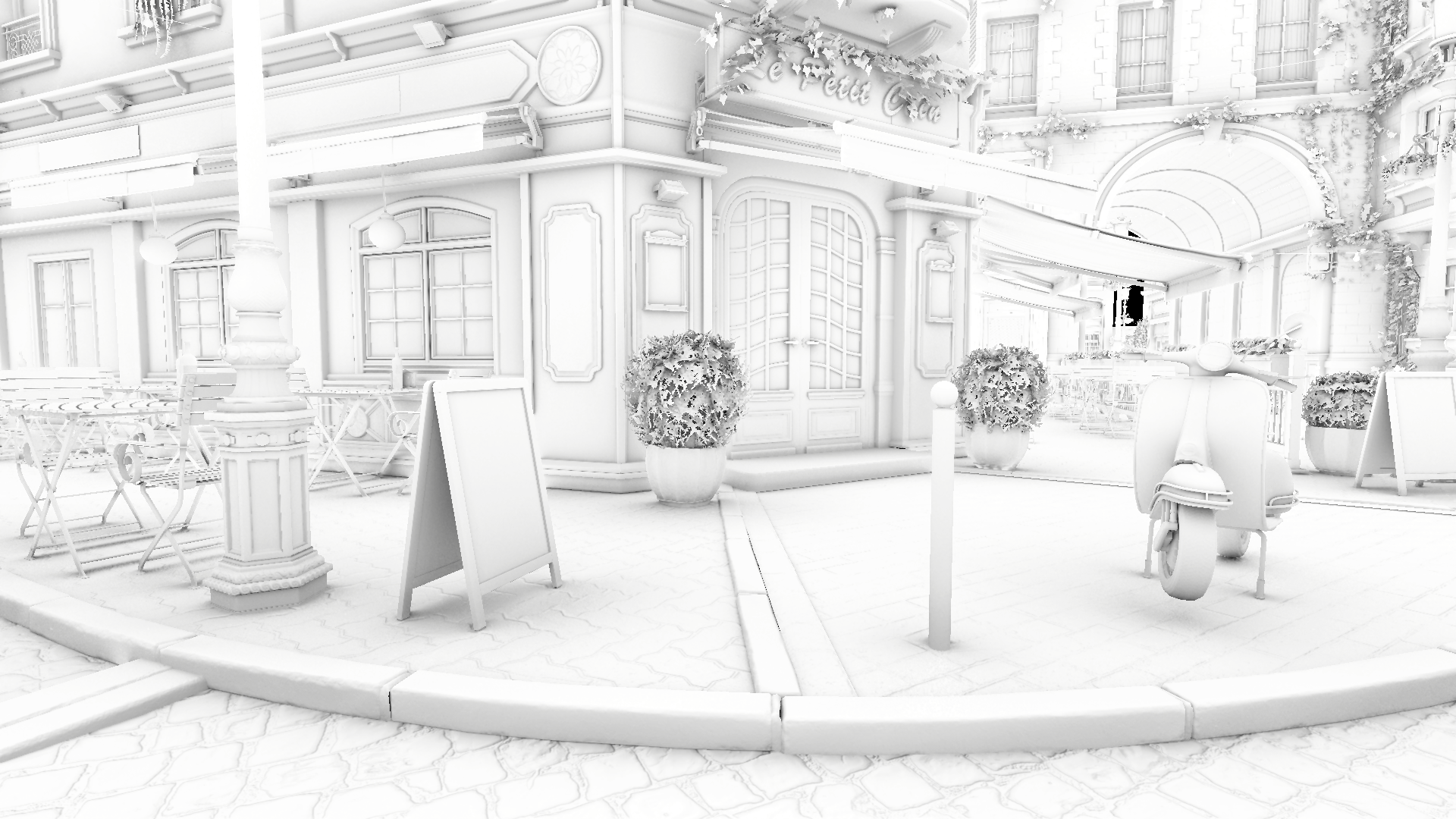
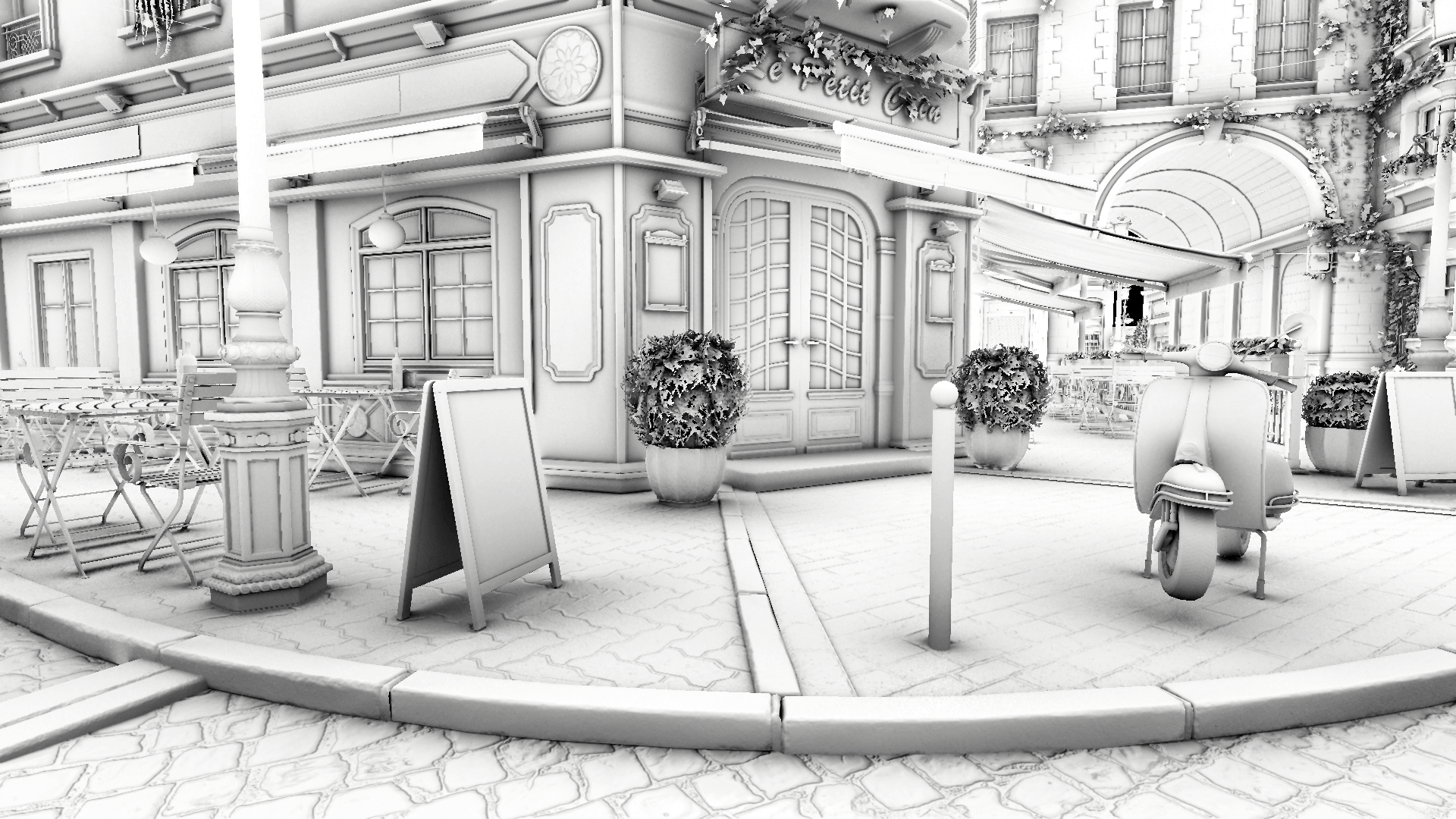
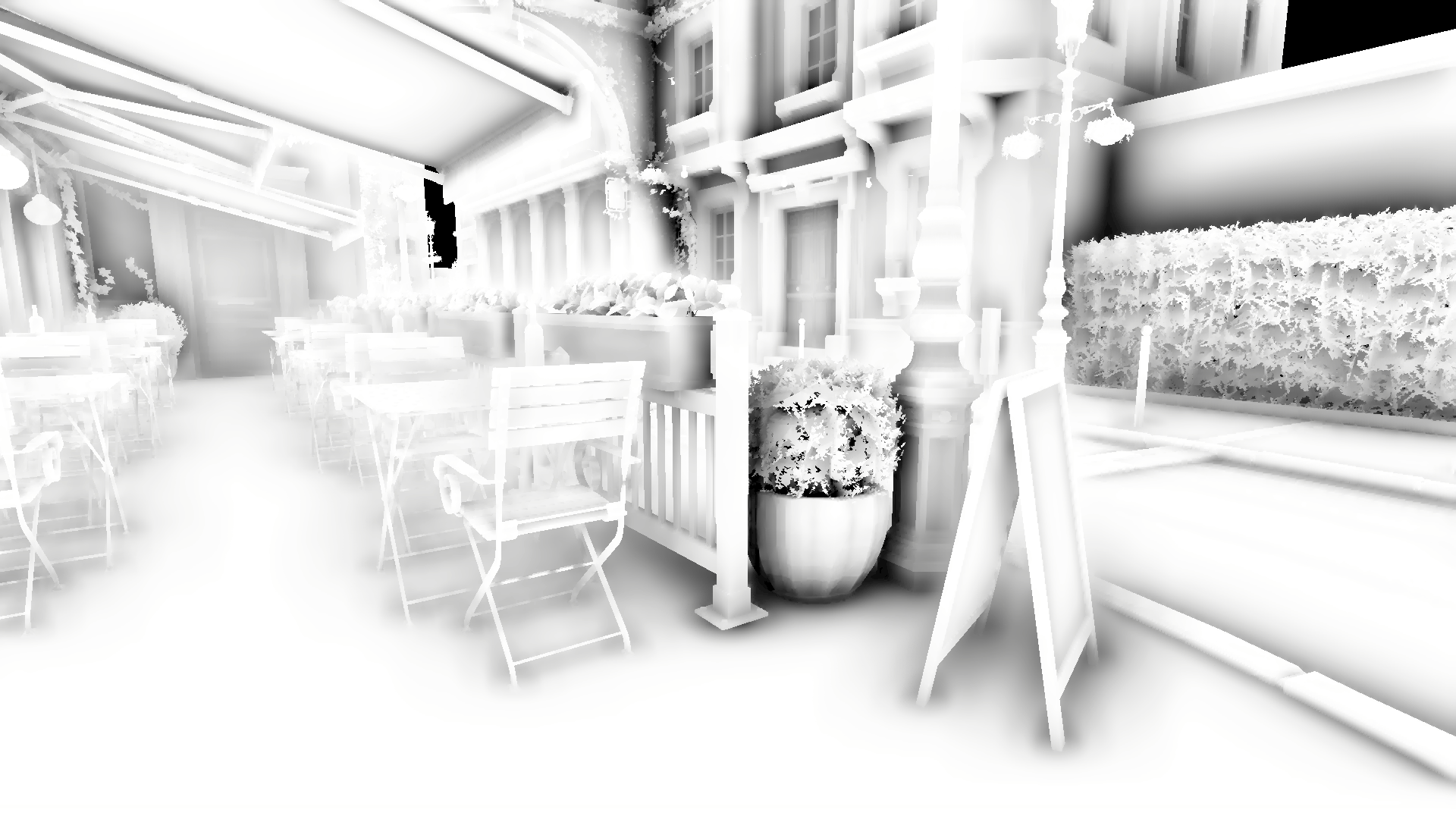
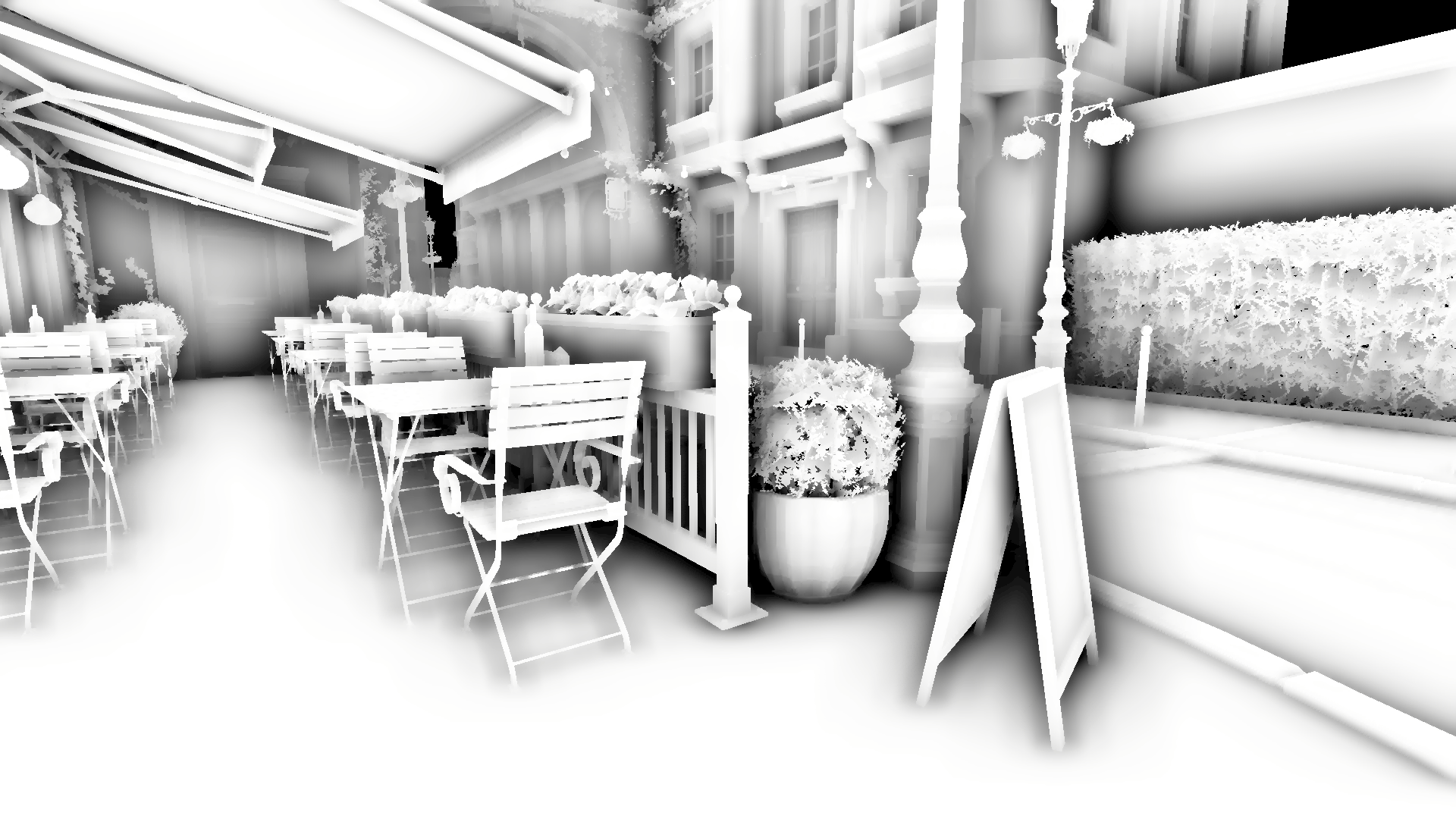
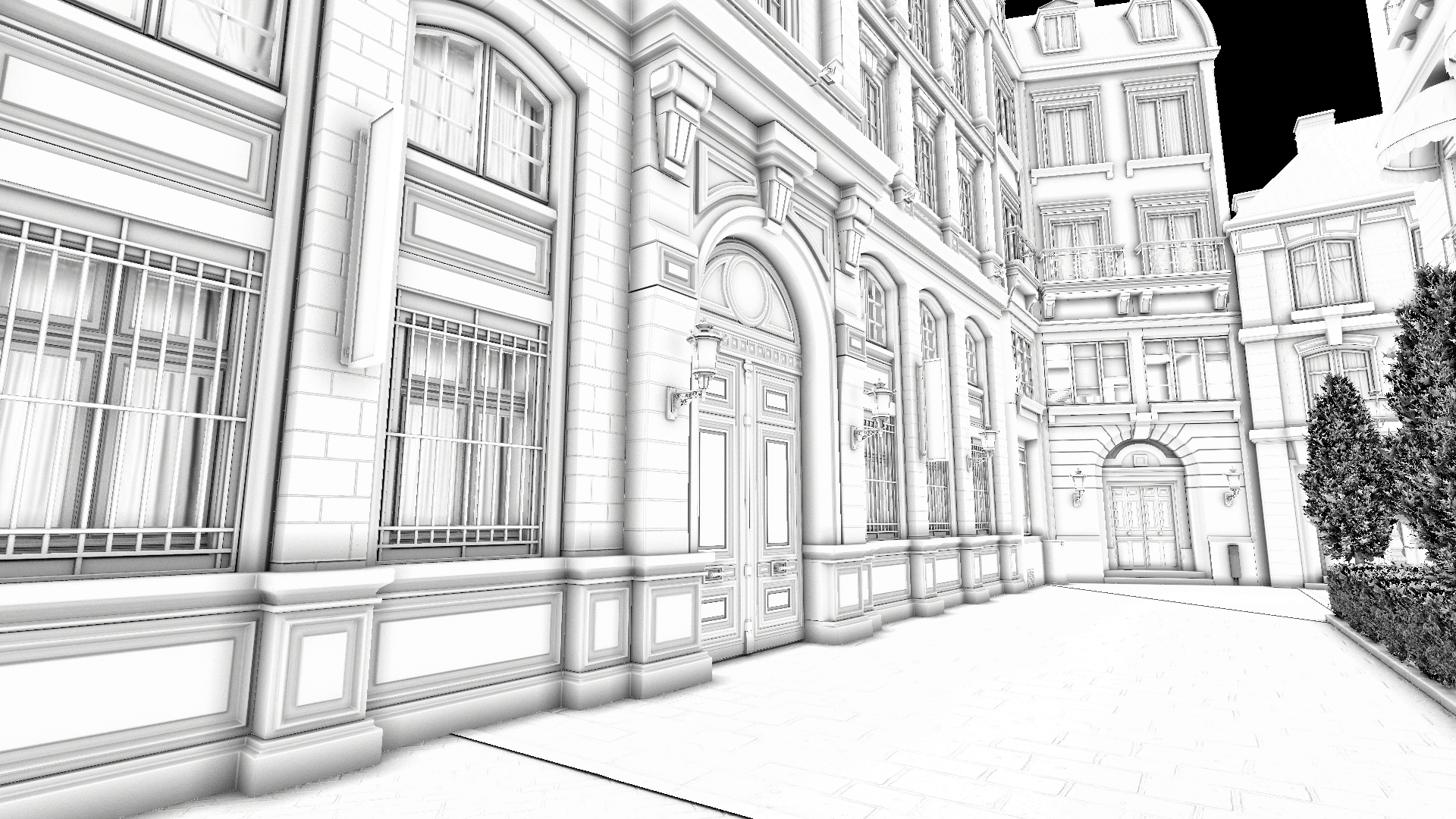
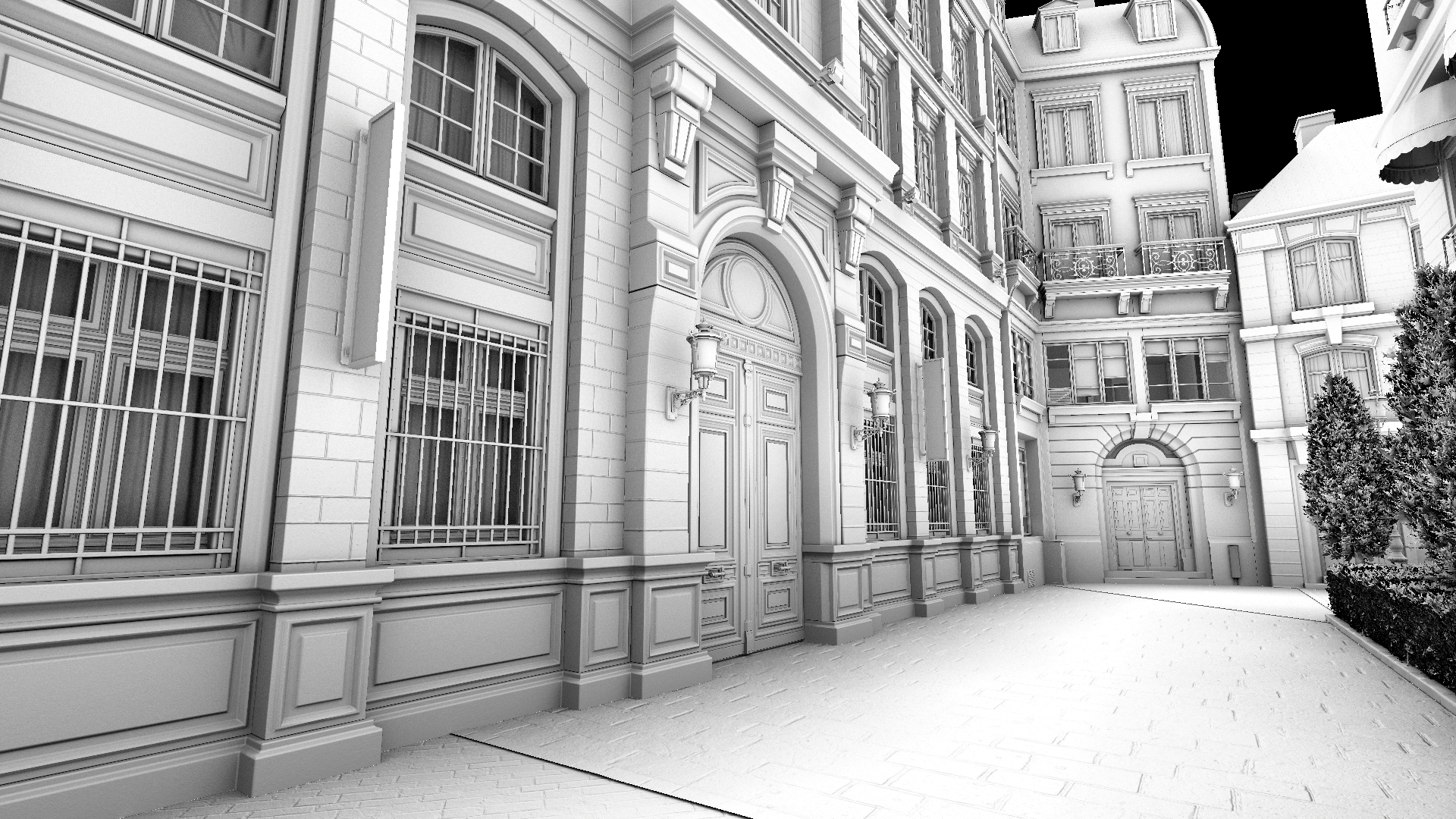
## Intensity
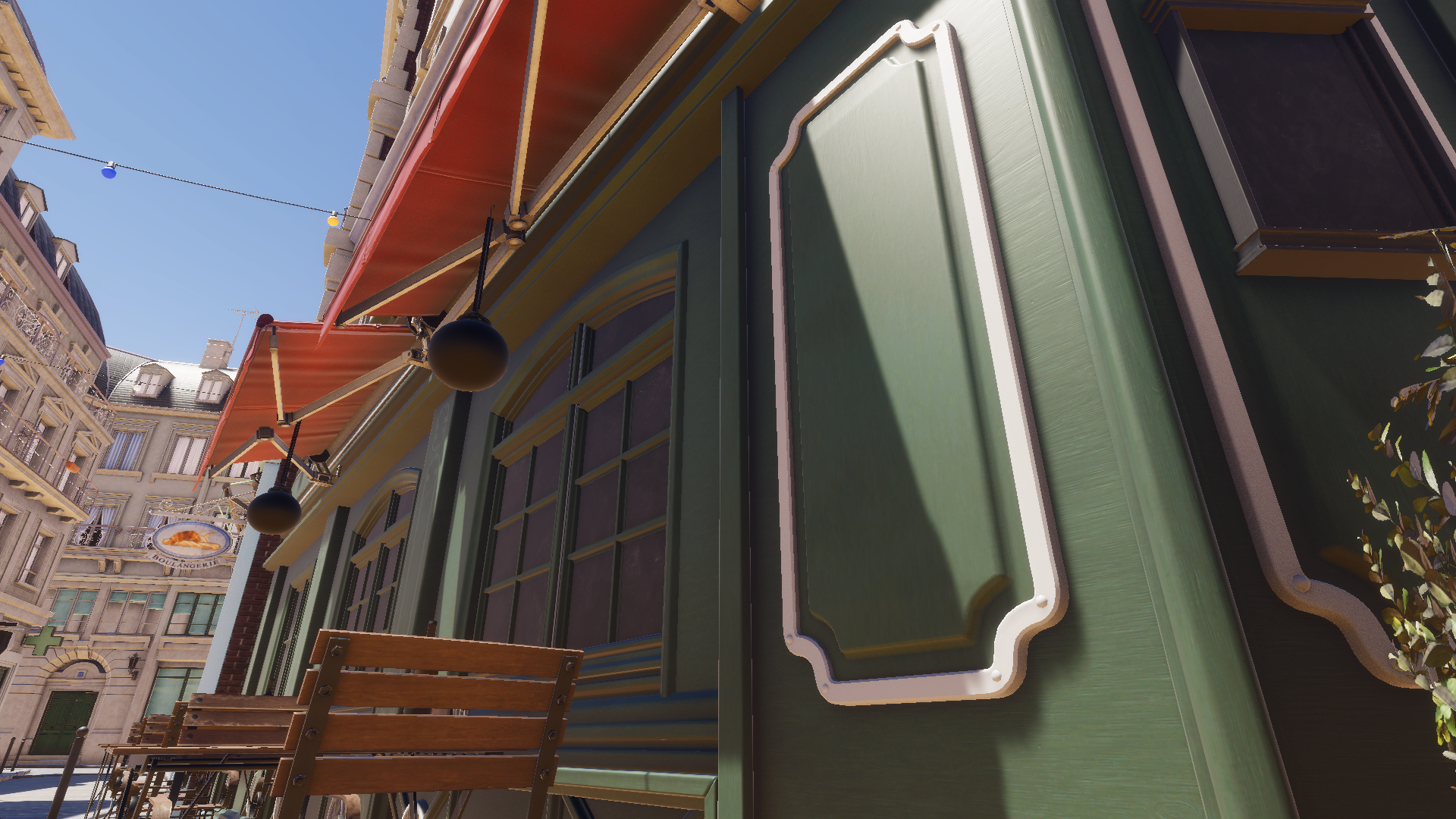
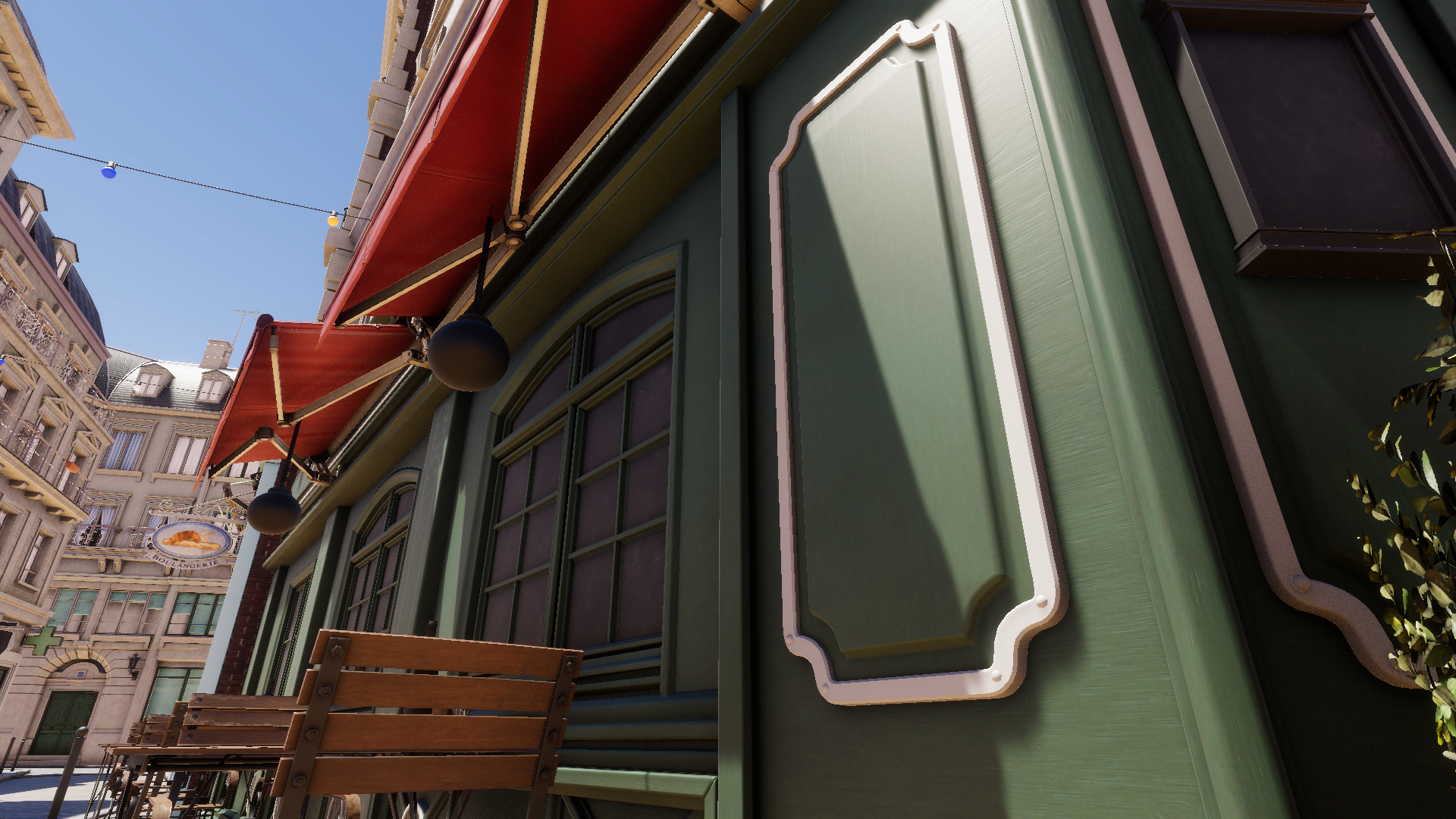
Guides the final intensity of the ambient occlusion, higher values result in darker ambient occlusion. \*
For HDRP this corresponds to the [Intensity](https://docs.unity3d.com/Packages/com.unity.render-pipelines.high-definition@17.0/manual/reference-ambient-occlusion.html#:~:text=properties%20section%20below.-,Intensity,-Use%20the%20slider) of the SSAO override.\
For URP this corresponds to the [Intensity](https://docs.unity3d.com/6000.0/Documentation/Manual/urp/ssao-renderer-feature-reference.html#:~:text=impact%3A%20Insignificant.-,Intensity,-This%20property%20defines) of the SSAO renderer feature.
*Performance impact: none*
{% tabs %}
{% tab title="Intensity 1 \[GTAO]" %}
{% endtab %}
{% tab title="Intensity 3 \[GTAO]" %}
{% endtab %}
{% endtabs %}
## Max Ray Bias (RTAO / URP)
Controls the maximum ray bias (offset) from a surface. This parameter allows to avoid self-intersection with geometry and is especially useful when Unity's TAA is active.
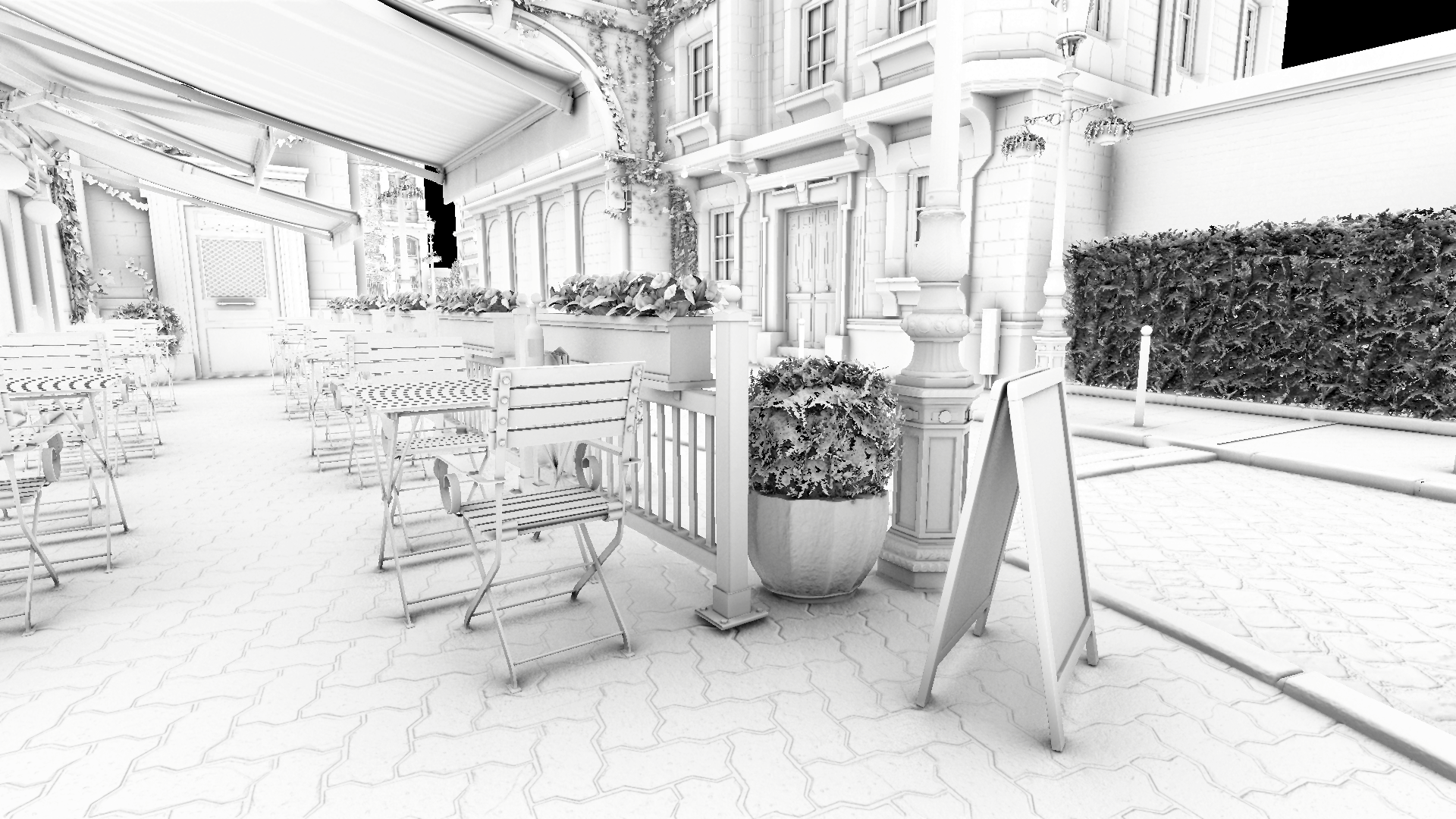
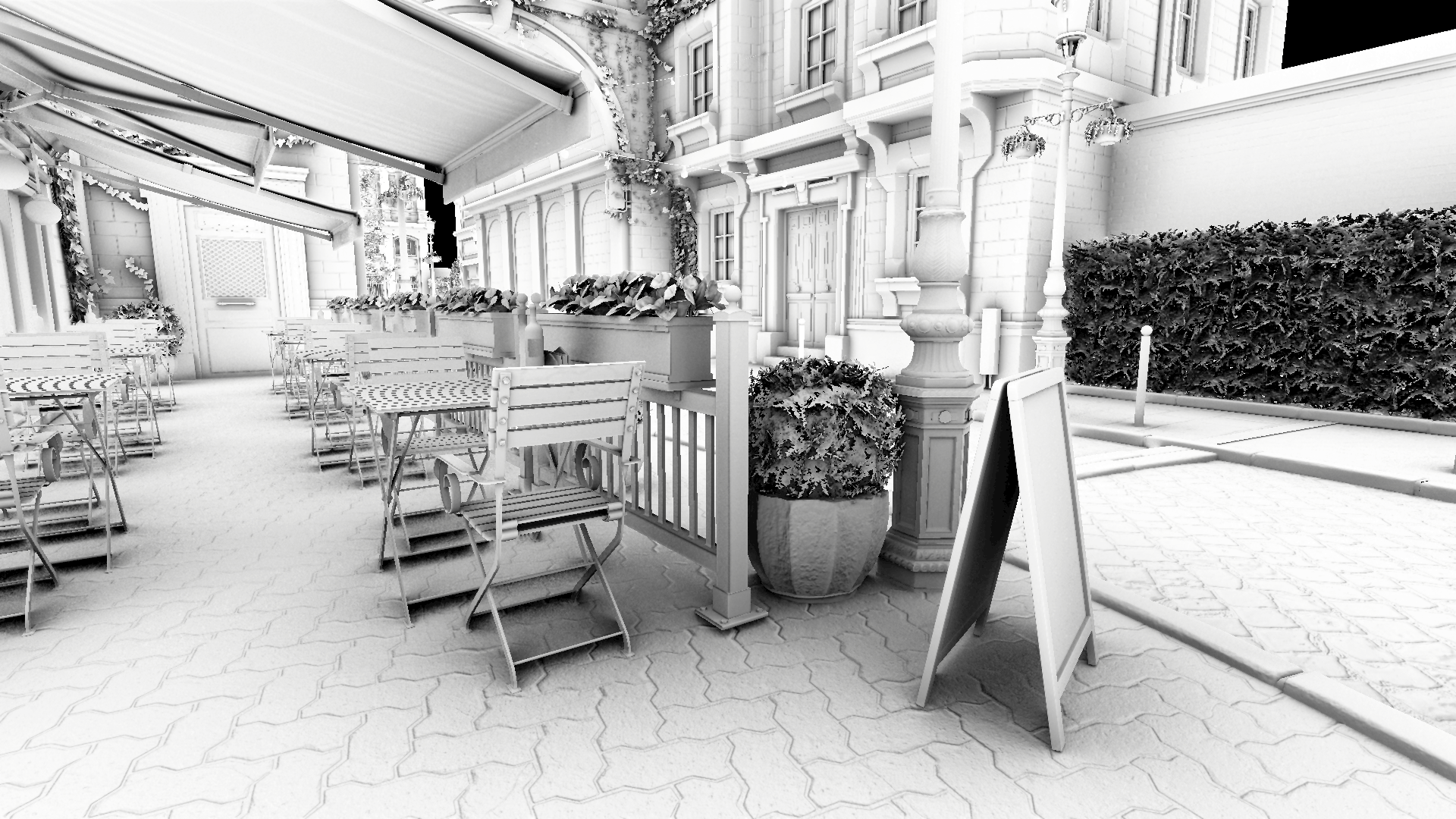
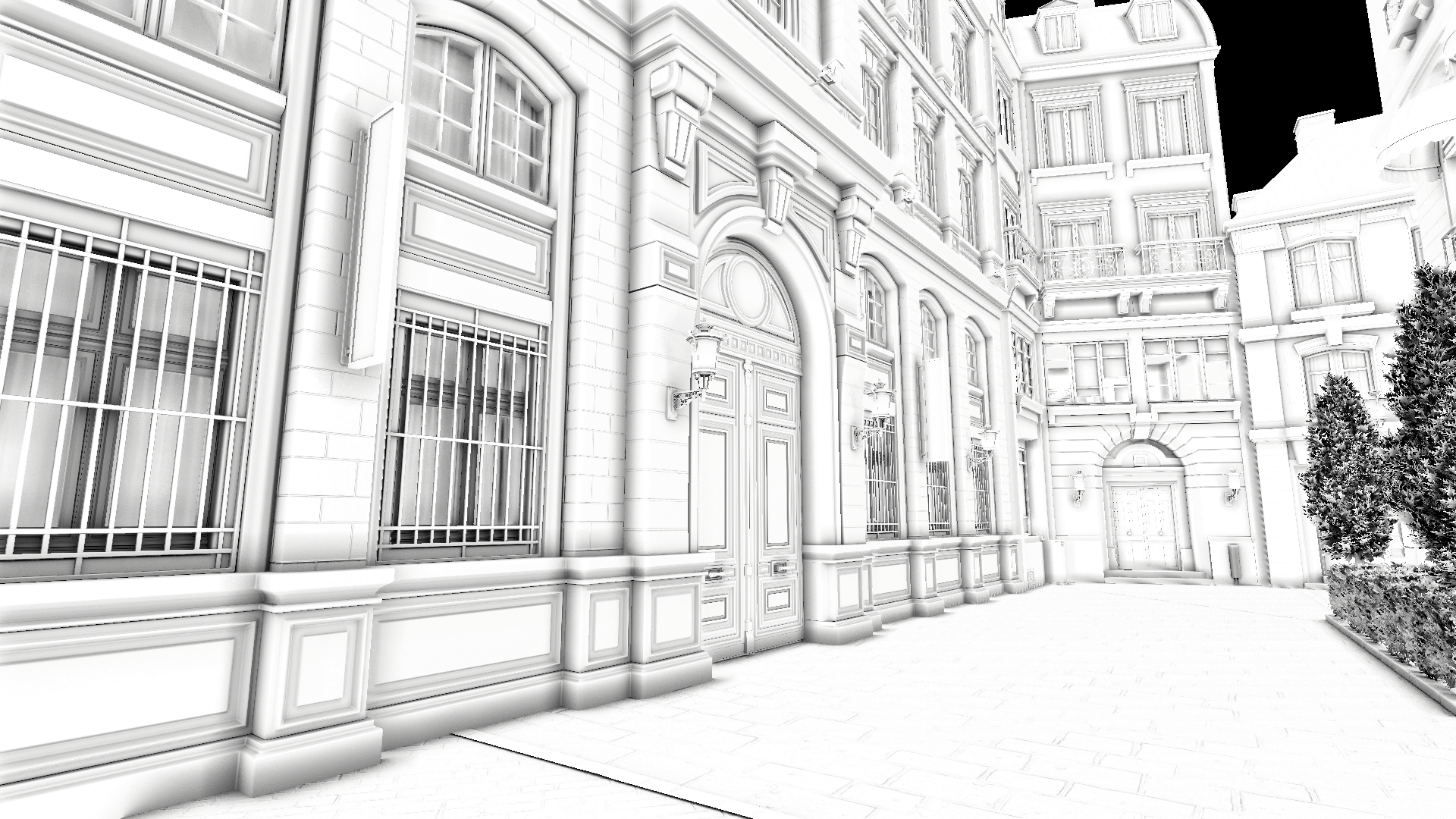
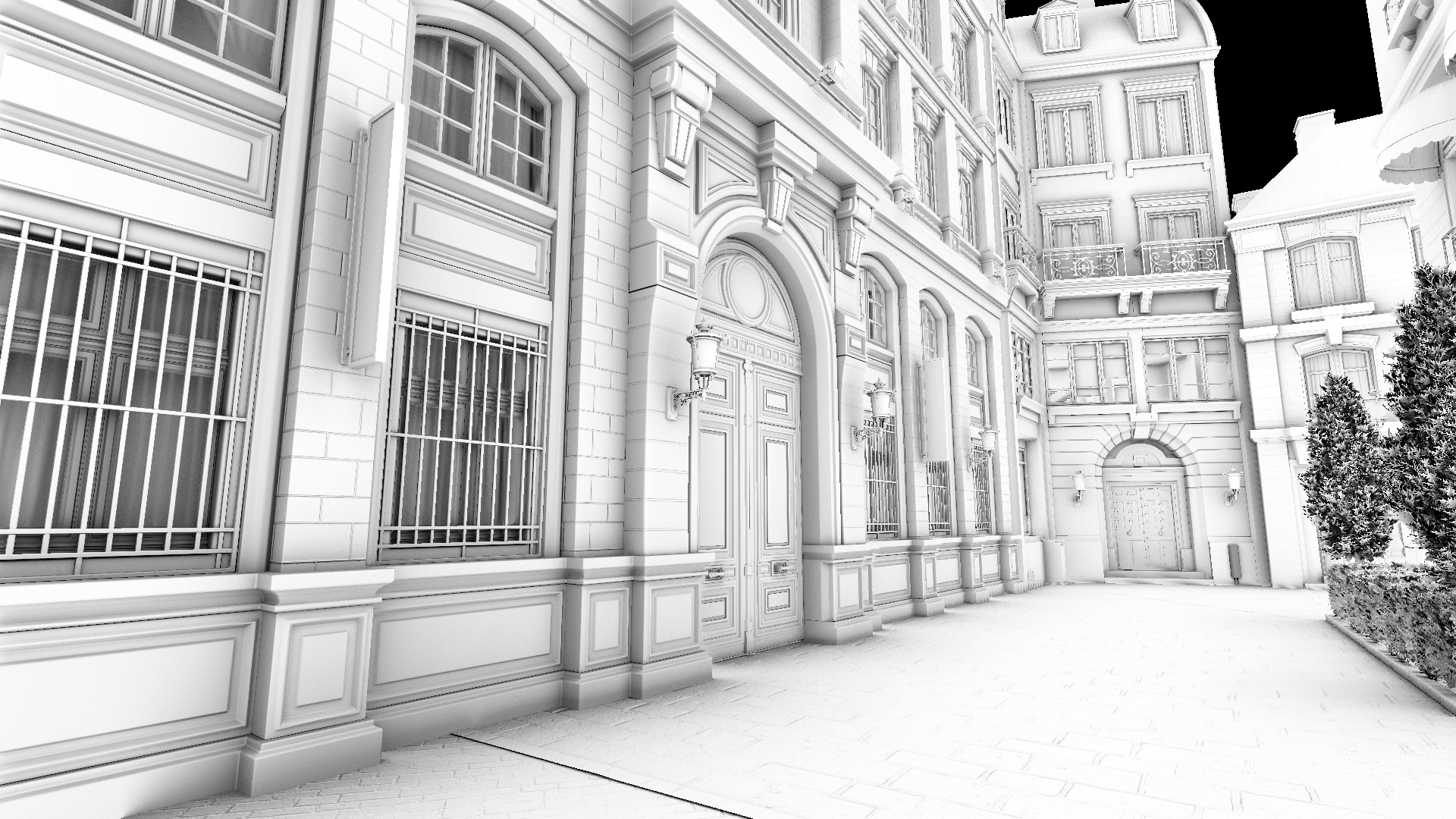
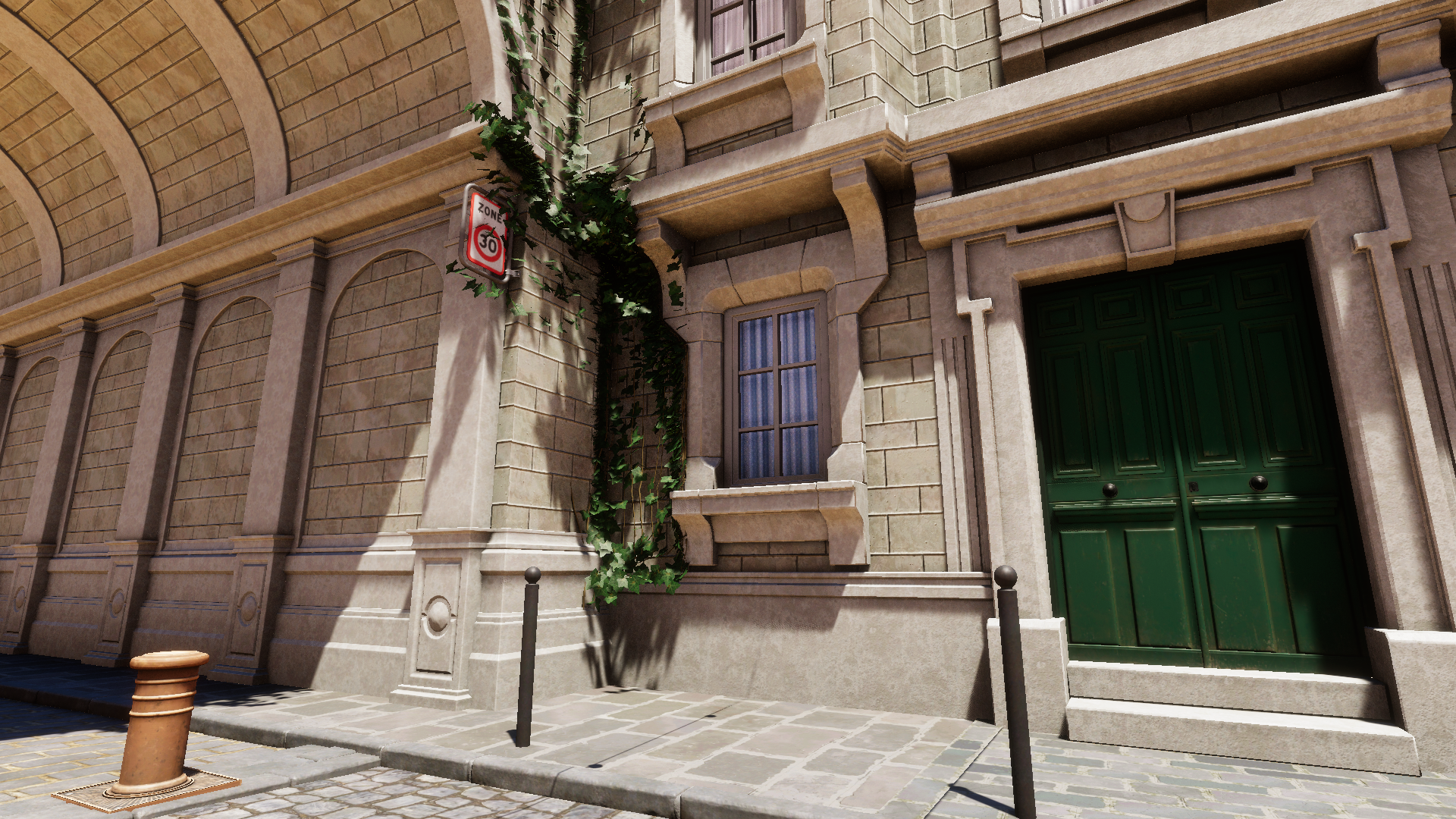
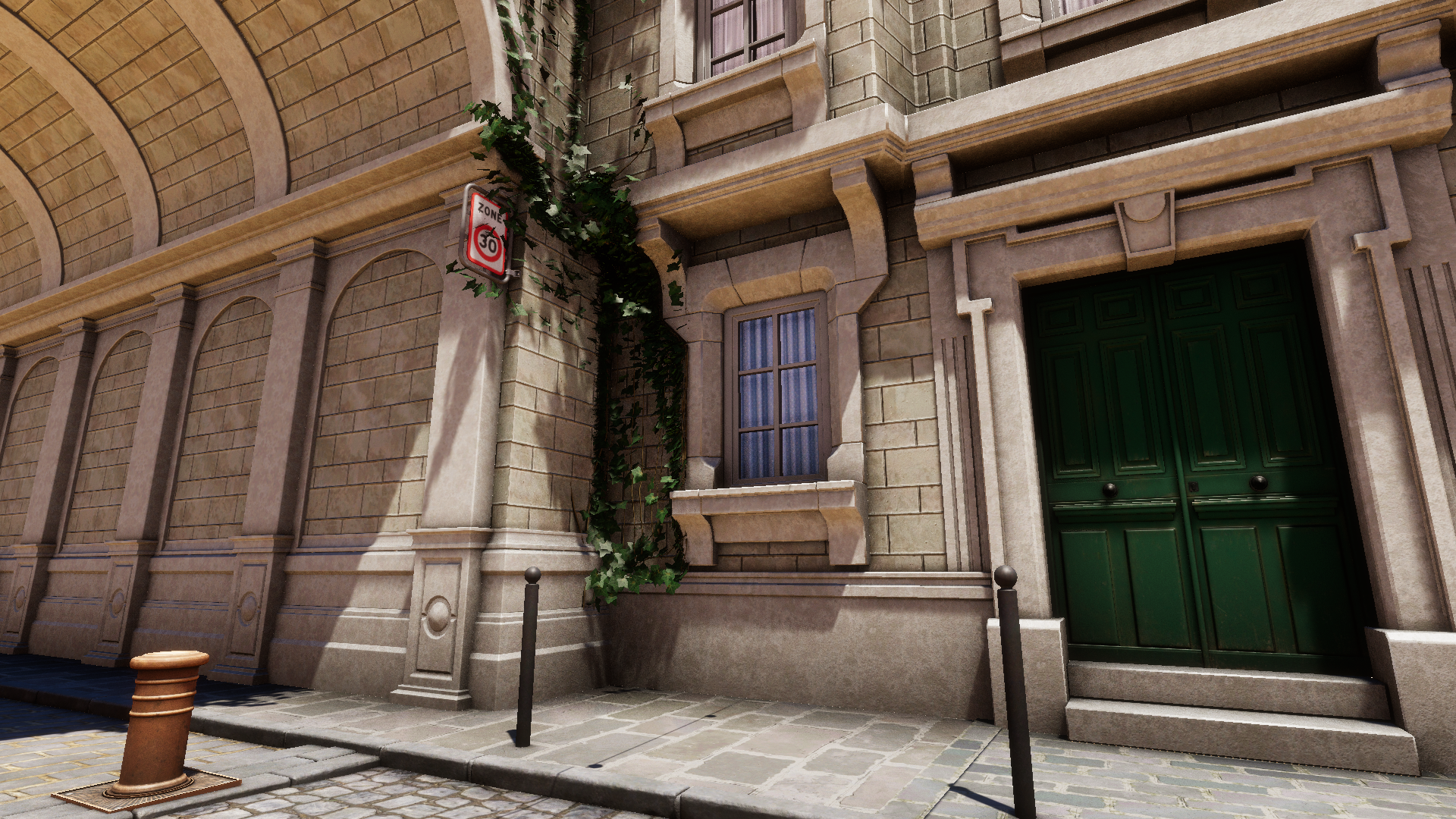
## Thickness (SSAO / GTAO)
Control the thickness of the surfaces on screen. Because the screen-space algorithms can not distinguish thin objects from thick ones, this property helps trace rays behind objects, treating them uniformly.
*Performance impact: insignificant*
{% tabs %}
{% tab title="Thickness 0 \[GTAO]" %}
{% endtab %}
{% tab title="Thickness 0 \[SSAO]" %}
{% endtab %}
{% tab title="Thickness 1 \[SSAO]" %}
{% endtab %}
{% endtabs %}
## World Space Radius (GTAO / RTAO)
Defines the maximum distance (in meters) for occluder search. RTAO produces darker results with the same distance due to being more physically correct and not needing a falloff.
For HDRP this corresponds to the [Radius](https://docs.unity3d.com/Packages/com.unity.render-pipelines.high-definition@17.0/manual/reference-ambient-occlusion.html#:~:text=direct%20diffuse%20lighting.-,Radius,-Use%20the%20slider) / [Max Ray Length](https://docs.unity3d.com/Packages/com.unity.render-pipelines.high-definition@17.0/manual/reference-ambient-occlusion.html#:~:text=%2D-,Max%20Ray%20Length,-Controls%20the%20maximal) of the SSAO override.\
For URP this corresponds to the [Radius](#world-space-radius-gtao-rtao) of the native SSAO renderer feature.
*Performance impact: moderate for GTAO and significant for RTAO*
{% tabs %}
{% tab title="Radius 0.5 \[GTAO]" %}
{% endtab %}
{% tab title="Radius 5 \[GTAO]" %}
{% endtab %}
{% tab title="Radius 0.5 \[RTAO]" %}
{% endtab %}
{% tab title="Radius 5 \[RTAO]" %}
{% endtab %}
{% endtabs %}
## Direct Lighting Occlusion (HDRP / URP)
Defines how visible the effect is in areas exposed to direct lighting. It's recommended to use 0 for maximum physical accuracy.
For HDRP this corresponds to the [Direct Lighting Strength](https://docs.unity3d.com/Packages/com.unity.render-pipelines.high-definition@17.0/manual/reference-ambient-occlusion.html#:~:text=for%20ambient%20occlusion.-,Direct%20Lighting%20Strength,-Use%20this%20slider) of the SSAO override.\
For URP this corresponds to the[ ](https://docs.unity3d.com/6000.0/Documentation/Manual/urp/ssao-renderer-feature-reference.html#:~:text=on%20the%20application.-,Direct%20Lighting%20Strength,-This%20property%20defines)[Direct Lighting Strength](https://docs.unity3d.com/6000.0/Documentation/Manual/urp/ssao-renderer-feature-reference.html#:~:text=on%20the%20application.-,Direct%20Lighting%20Strength,-This%20property%20defines) of the SSAO renderer feature.
*Performance impact: none*
{% tabs %}
{% tab title="Direct Lighting Occlusion 0 \[RTAO]" %}
{% endtab %}
{% tab title="Direct Lighting Occlusion 1 \[RTAO]" %}
{% endtab %}
{% endtabs %}
## Specular Occlusion (RTAO / HDRP)
Defines the level of occlusion applied to the specular lighting component.
For HDRP this corresponds to the Specular Occlusion (undocumented) of the SSAO override when in ray-tracing mode.
{% hint style="info" %}
HDRP automatically applies specular occlusion for GTAO and SSAO as well, however the control slider for this feature is exposed only when RTAO mode is enabled.\
\
URP automatically applies specular occlusion for all three AO modes, but the control slider is not available for it.
{% endhint %}
*Performance impact: none*
{% tabs %}
{% tab title="Specular Occlusion 0 \[RTAO]" %}
{% endtab %}
{% tab title="Specular Occlusion 1 \[RTAO]" %}
{% endtab %}
{% endtabs %}