> For the complete documentation index, see [llms.txt](https://ipgames.gitbook.io/htrace-ao/llms.txt). Markdown versions of documentation pages are available by appending `.md` to page URLs; this page is available as [Markdown](https://ipgames.gitbook.io/htrace-ao/settings-and-properties/shared-settings/visuals.md).
# Visuals
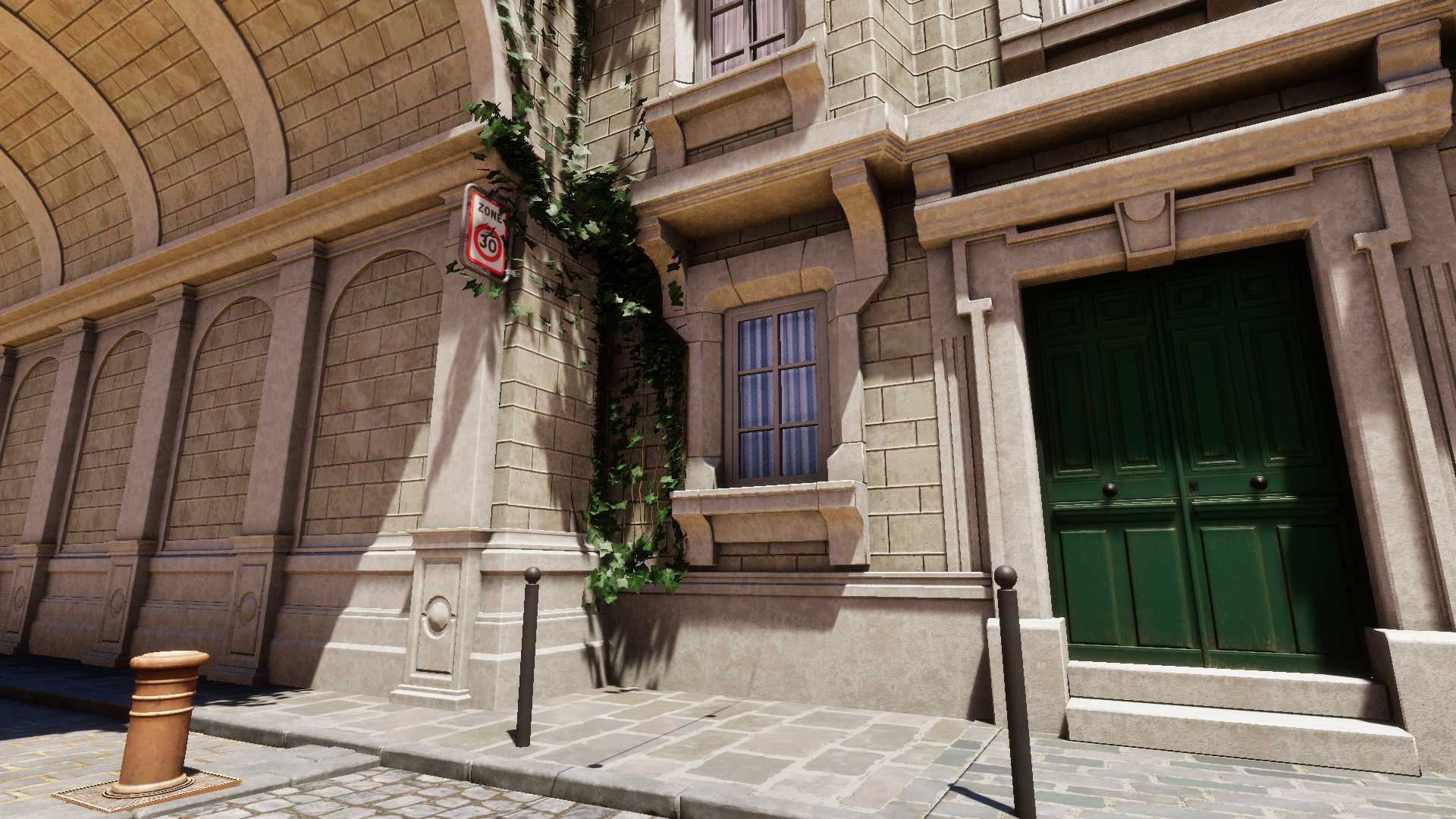
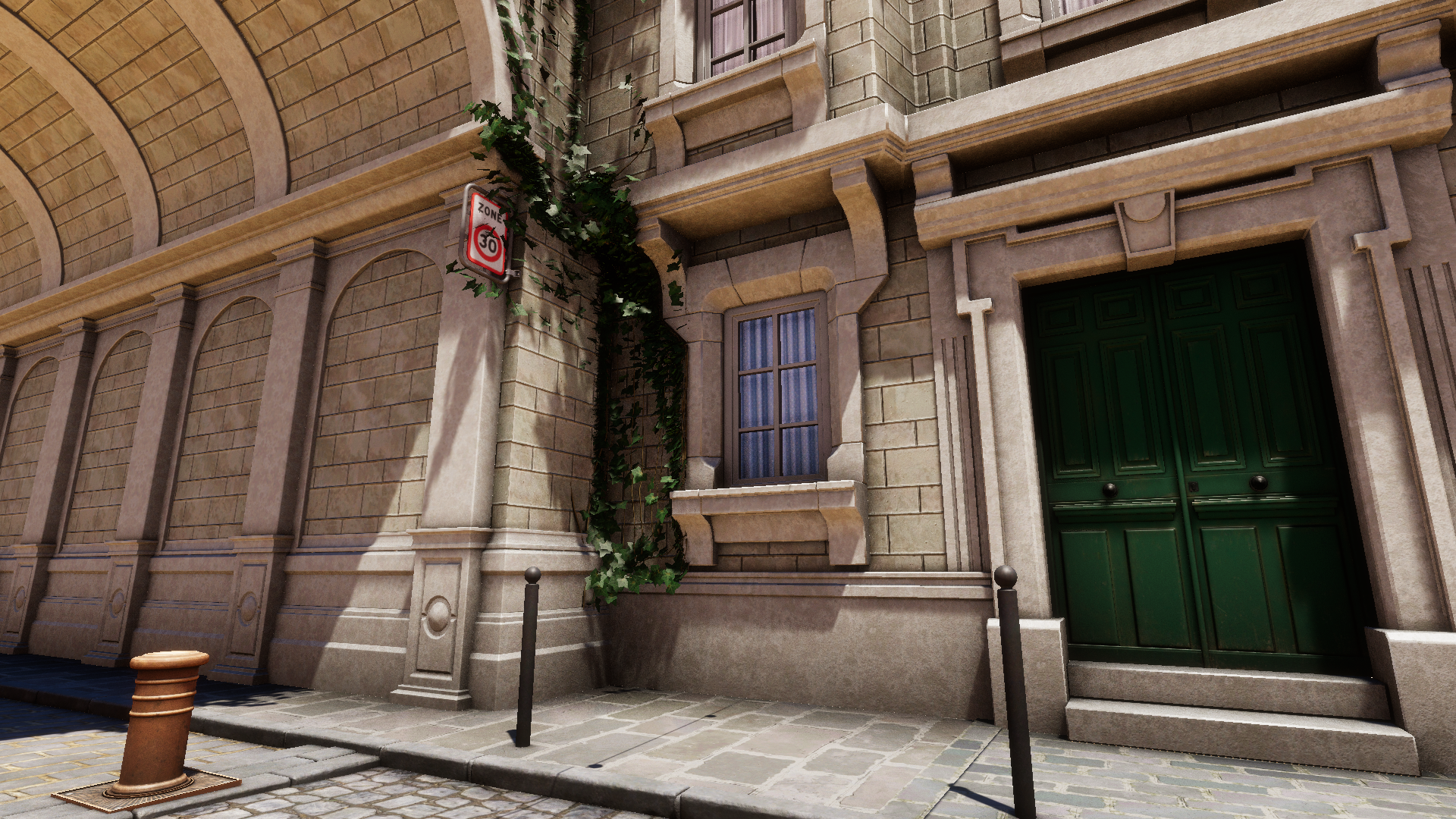
This page describes parameters under the "Visuals" foldout that are shared between all AO modes.
## Fadeout
Defines the distance (in meters) at which the occlusion effect fades out. Setting this value to **0** disables fadeout completely, letting AO be visible at any distance.
*Performance impact: none*
{% tabs %}
{% tab title="Fadeout 10" %}
{% endtab %}
{% tab title="Fadeout 50" %}
{% endtab %}
{% tab title="Fadeout 200" %}
{% endtab %}
{% endtabs %}
## Intensity
Guides the final intensity of the ambient occlusion, higher values result in darker occlusion output.
* For HDRP this corresponds to the [Intensity](https://docs.unity3d.com/Packages/com.unity.render-pipelines.high-definition@17.0/manual/reference-ambient-occlusion.html#:~:text=properties%20section%20below.-,Intensity,-Use%20the%20slider) of the SSAO override.
* For URP this corresponds to the [Intensity](https://docs.unity3d.com/6000.0/Documentation/Manual/urp/ssao-renderer-feature-reference.html#:~:text=impact%3A%20Insignificant.-,Intensity,-This%20property%20defines) of the SSAO renderer feature.
*Performance impact: none*
{% tabs %}
{% tab title="Intensity 1 \[GTAO]" %}
{% endtab %}
{% tab title="Intensity 3 \[GTAO]" %}
{% endtab %}
{% endtabs %}
## Direct Lighting Occlusion
Defines how visible the effect is in areas exposed to direct lighting. It's recommended to use **0** for maximum physical accuracy.
* For HDRP this corresponds to the [Direct Lighting Strength](https://docs.unity3d.com/Packages/com.unity.render-pipelines.high-definition@17.0/manual/reference-ambient-occlusion.html#:~:text=for%20ambient%20occlusion.-,Direct%20Lighting%20Strength,-Use%20this%20slider) of the SSAO override.
* For URP this corresponds to the[ ](https://docs.unity3d.com/6000.0/Documentation/Manual/urp/ssao-renderer-feature-reference.html#:~:text=on%20the%20application.-,Direct%20Lighting%20Strength,-This%20property%20defines)[Direct Lighting Strength](https://docs.unity3d.com/6000.0/Documentation/Manual/urp/ssao-renderer-feature-reference.html#:~:text=on%20the%20application.-,Direct%20Lighting%20Strength,-This%20property%20defines) of the SSAO renderer feature.
*Performance impact: none*
{% tabs %}
{% tab title="Direct Lighting Occlusion 0 \[RTAO]" %}
{% endtab %}
{% tab title="Direct Lighting Occlusion 1 \[RTAO]" %}
{% endtab %}
{% endtabs %}
## Exclude Receiving \[Unity 6000+]
Excludes objects from **receiving** AO on a per-layer basis via the **Rendering Layer Mask**. When at least one layer is selected, an additional **Intensity** slider appears. This slider lets you reduce the AO intensity on the excluded object rather than disabling occlusion entirely. This option is useful for tuning down the effect on meshes that cast overly dark occlusion, such as foliage.
{% hint style="warning" %}
To use this feature, make sure that **Rendering Layers** are enabled:\
o use this feature, make sure that **Rendering Layers** are enabled:\
\
**HDRP:**
▪ Project Settings → Quality → HDRP → Lighting → Rendering Layer Mask Buffer
▪ Camera → Rendering → Custom Frame Settings → Rendering → Rendering Layer Mask Buffer
▪ Project Settings → Graphics → Pipeline Specific Settings → HDRP → Frame Settings (Default Values) → Camera → Rendering → Rendering Layer Mask Buffer
\
**URP:**
▪ Universal Rendering Pipeline Asset → Lighting → Use Rendering Layers
{% endhint %}
{% hint style="danger" %}
In **URP** this feature is available only in **Deferred** and **Deferrred+** rendering paths.
{% endhint %}
{% tabs %}
{% tab title="Exclude Receiving Intensity 1.0" %}
{% endtab %}
{% tab title="Exclude Receiving Intensity 0.5" %}
{% endtab %}
{% tab title="Exclude Receiving Intensity 0" %}
{% endtab %}
{% endtabs %}
*Performance impact: small*
## Early Out \[Unity 6000+]
Appears only when at least one layer is selected in the **Exclude Receiving** mask and **Exclude Receiving Intensity** is set to 0. Works only in GTAO and RTAO modes.
When this option is enabled, all shader passes skip processing pixels excluded via the Exclude Receiving mask. This can improve performance when a large number of pixels are excluded. It can be useful when AO is required only for a few objects, such as first-person hands, with small and predictable screen coverage.
*Performance impact: beneficial*